Wabix chatbots answer questions, qualify leads and guide customers to a purchase, day and night. Design every flow visually with the ChatFlow Builder, then let the bot handle the repetitive conversations while your team focuses on the ones that need a human.


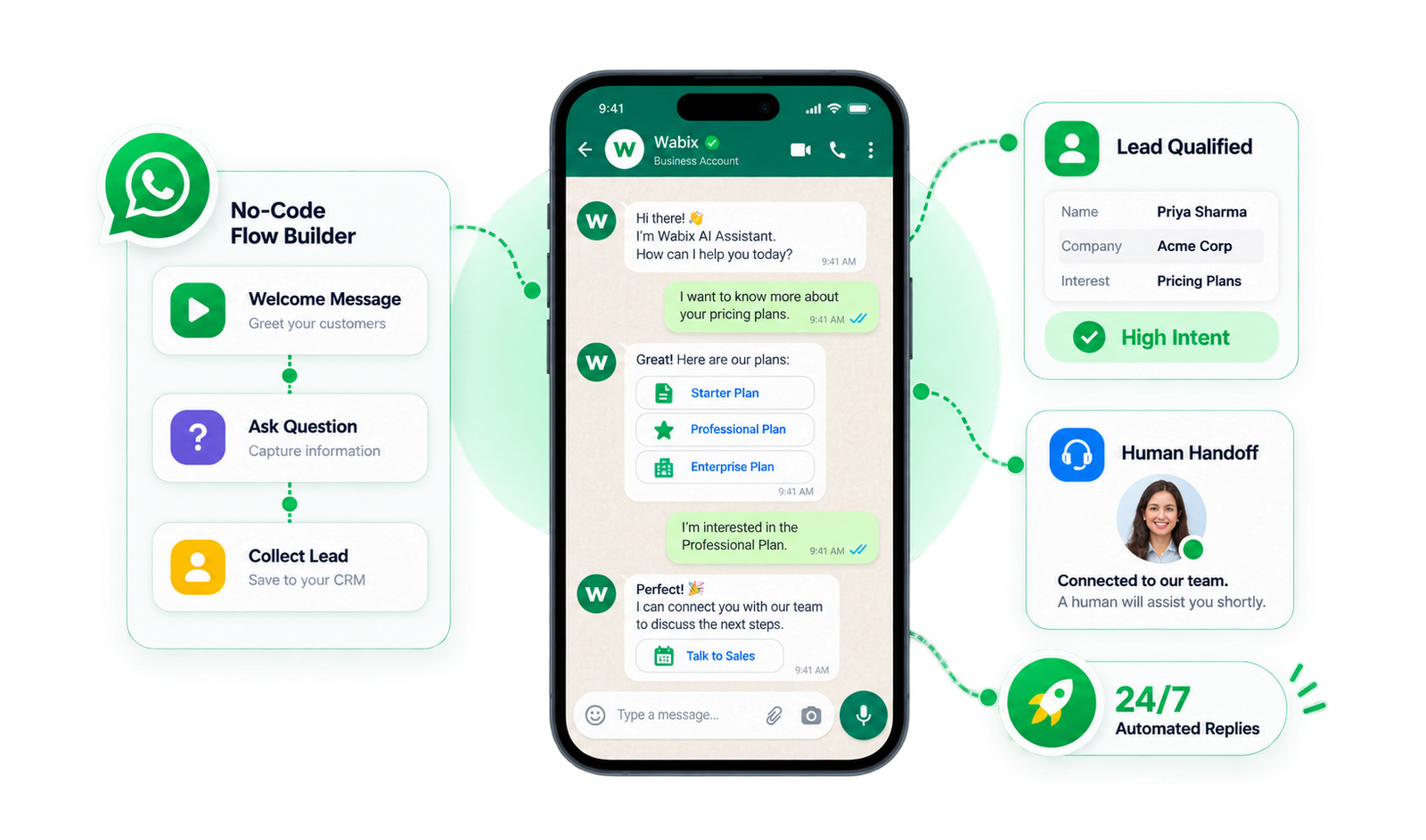
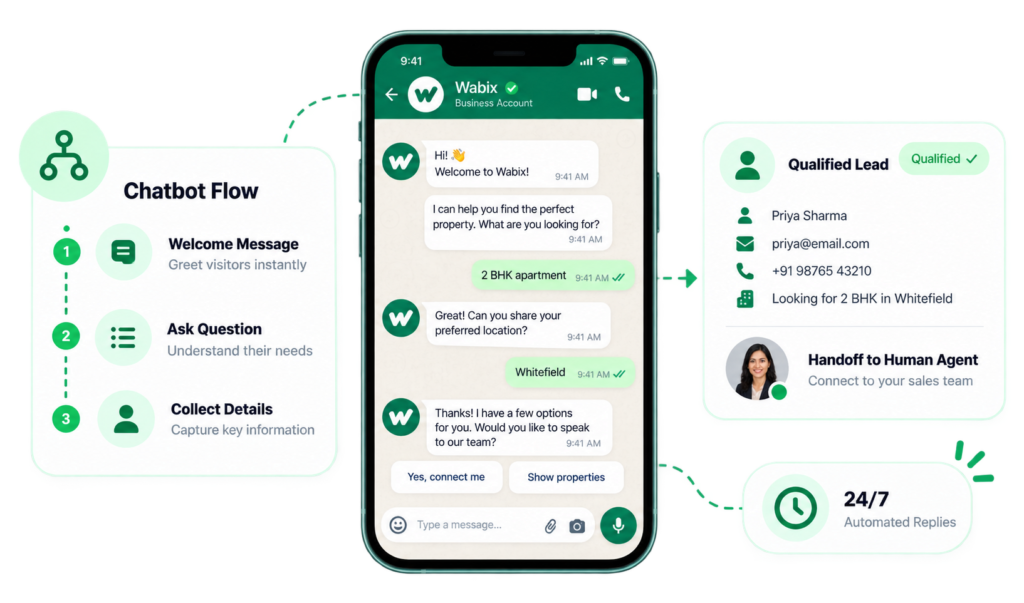
A WhatsApp chatbot is an automated assistant that replies to customer messages on WhatsApp using a set of rules or flows you define. It can greet visitors, answer common questions, collect details and route the chat to the right agent, all without a person on the other side.
Perfect for a simple welcome flow, an FAQ menu or a lead-capture greeting. Get live in minutes.
Branching logic for real journeys: qualify a lead, share options, book a slot and hand off to an agent when needed.
For complex, multi-path automation across departments and long customer journeys, with no cap on how far a flow can go.
A drag-and-drop canvas where you build, test and edit flows visually. Connect messages, questions, conditions and actions without any code.
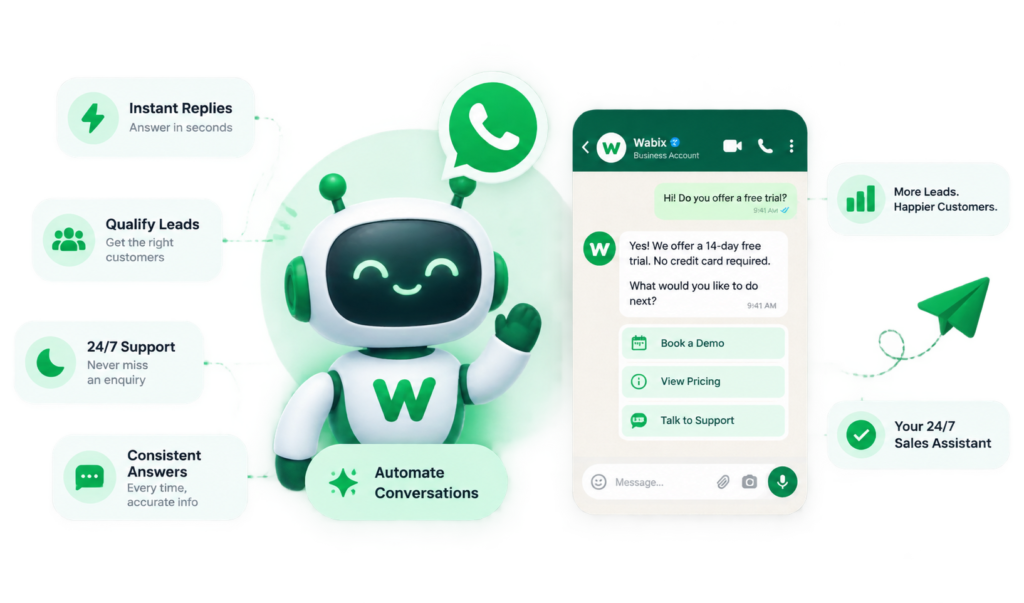
Most tools cap your chatbot at a fixed number of steps. Wabix scales from a 3-node starter bot to an unlimited-node enterprise bot, so your automation grows with your business instead of forcing an upgrade the moment a flow gets ambitious.


No. The Wabix ChatFlow Builder is fully no-code. You design every flow by dragging and connecting blocks on a visual canvas.
The basic chatbot supports up to 3 nodes for simple flows, the advanced chatbot supports up to 50 nodes for branching journeys, and the enterprise chatbot supports unlimited nodes for complex automation.
Yes. Any flow can trigger a human takeover, moving the conversation into your shared team inbox for an agent to continue.
Yes. Once live, your chatbot replies automatically at any hour, including outside business hours.